Extend, don’t squeeze.
Move timelines, notes, chat, dashboards, and reference material onto their own screen. Keep your primary display clear for focused work.
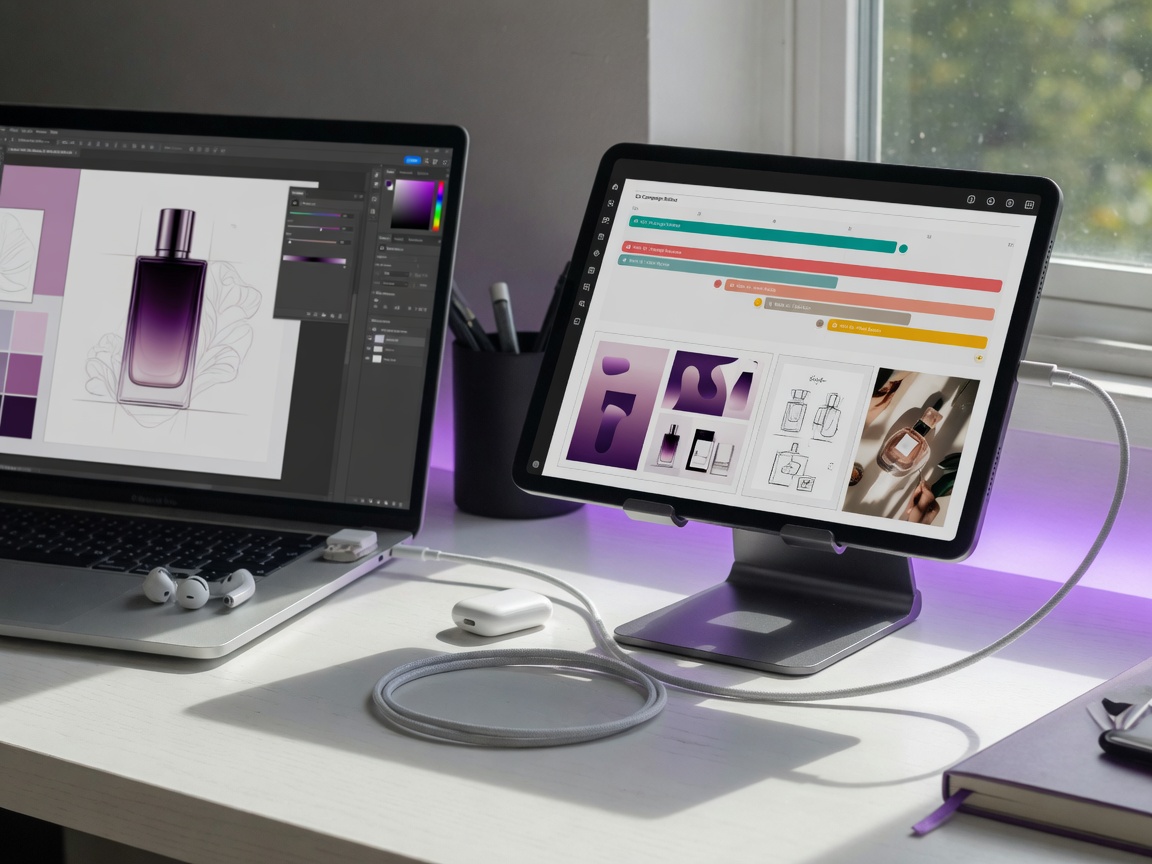
Turn your iPad or Android device into a responsive second display for Mac, Windows, or Linux—without adding another monitor to your desk.
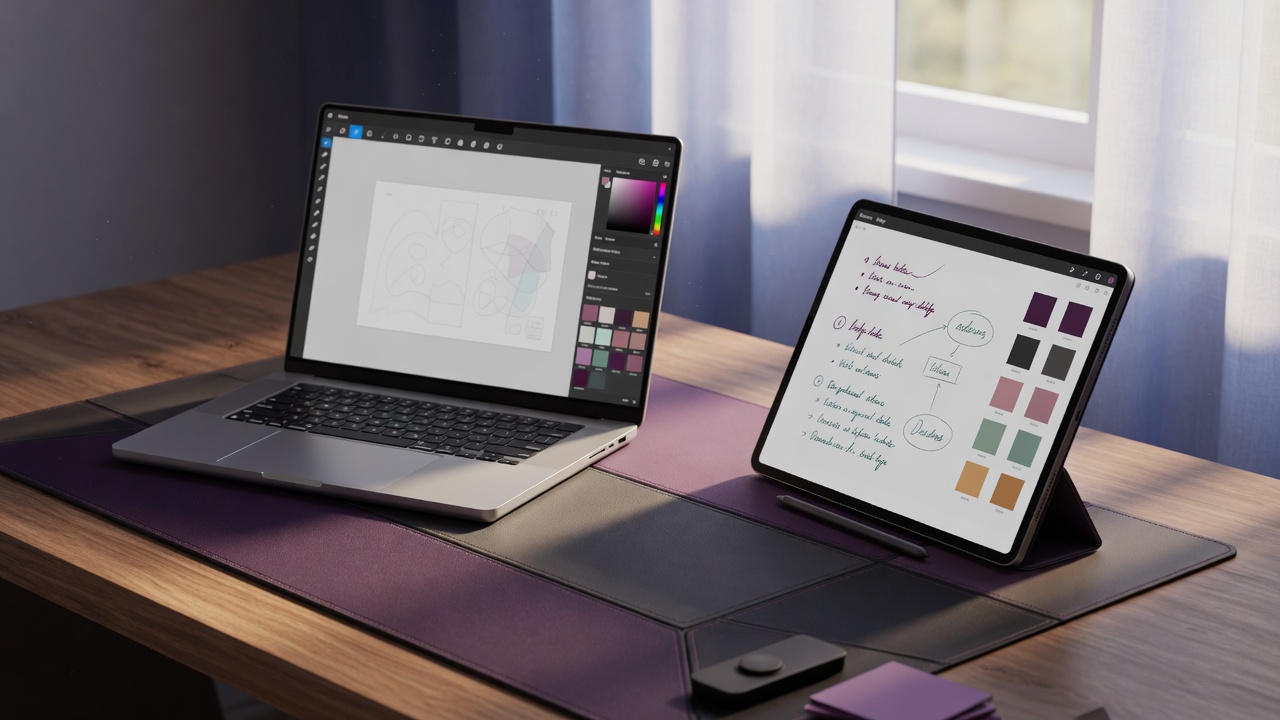
ScreenWing is focused on one job: making the tablet beside you feel like a natural extension of your computer.
Move timelines, notes, chat, dashboards, and reference material onto their own screen. Keep your primary display clear for focused work.
Hardware-assisted video paths and low-latency controls keep scrolling, cursor movement, and interaction feeling immediate.
Display traffic moves directly between your devices. The entitlement service never receives the contents of your screen.
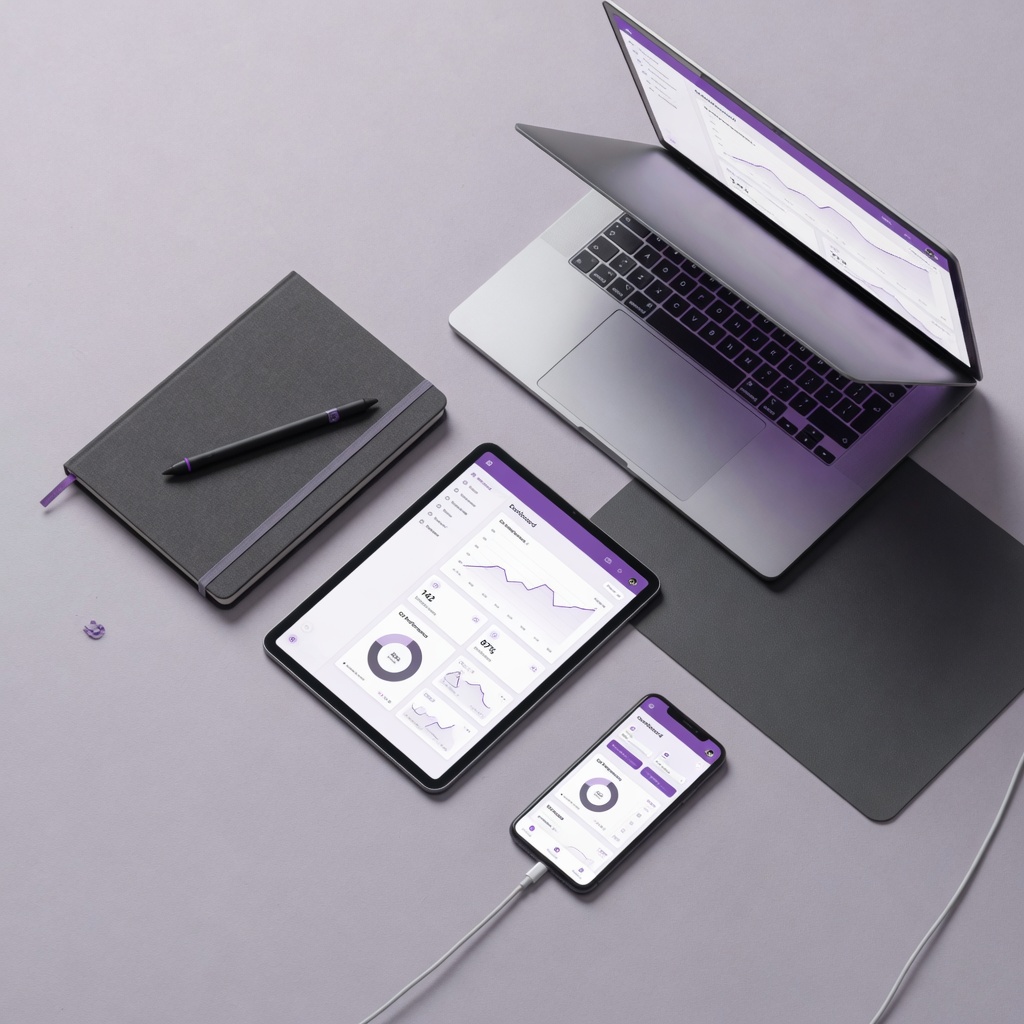
The same polished tray experience follows you across macOS, Windows, and Linux, with connection health and controls at a glance.
No specialist hardware. ScreenWing guides you from the right download to a secure subscription and a connected companion.
Choose the installer for your Mac, Windows PC, or Linux machine. The desktop app creates a device-bound activation.
Sign in with your ScreenWing email, enter the one-time desktop code, and subscribe through the App Store or Google Play only if the account is not already active. Register all your compatible devices and run one display stream at a time.
Open ScreenWing on iPad or Android, select your computer, and move a window onto your new display.
These are current, side-effect-free captures from the desktop app and the store-review builds. Each platform shows a different part of the same setup flow.
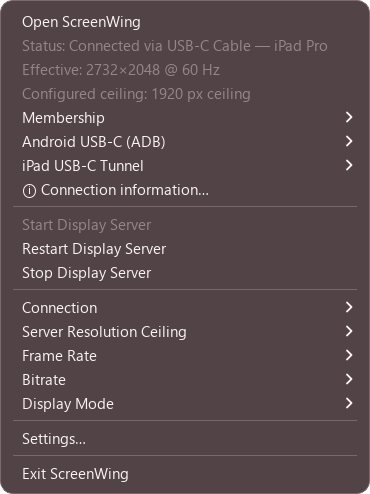 Windows 11 · beta.9
Open ScreenWing from the taskbar, check connection status, enter Membership, start or stop the host, and reach every display setting. The current Windows beta uses Mirror mode.
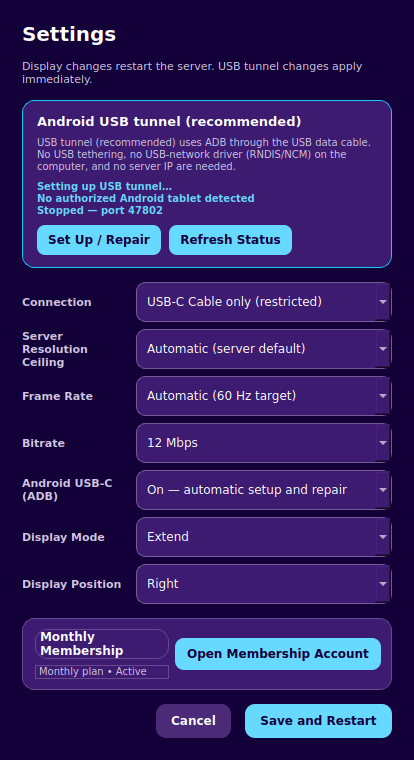 Ubuntu 24.04 · beta.6
Choose USB-C or Wi-Fi, set resolution, frame rate and bitrate, then select Extend and the tablet's position. Save and Restart applies display changes.
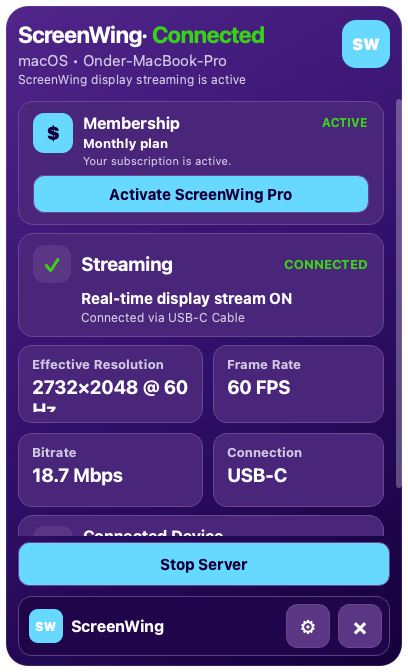 macOS · 1.0.3
The menu-bar panel shows Membership, streaming state, effective resolution, FPS, bitrate and connection type. Use the gear for settings or Stop Server to end the host.
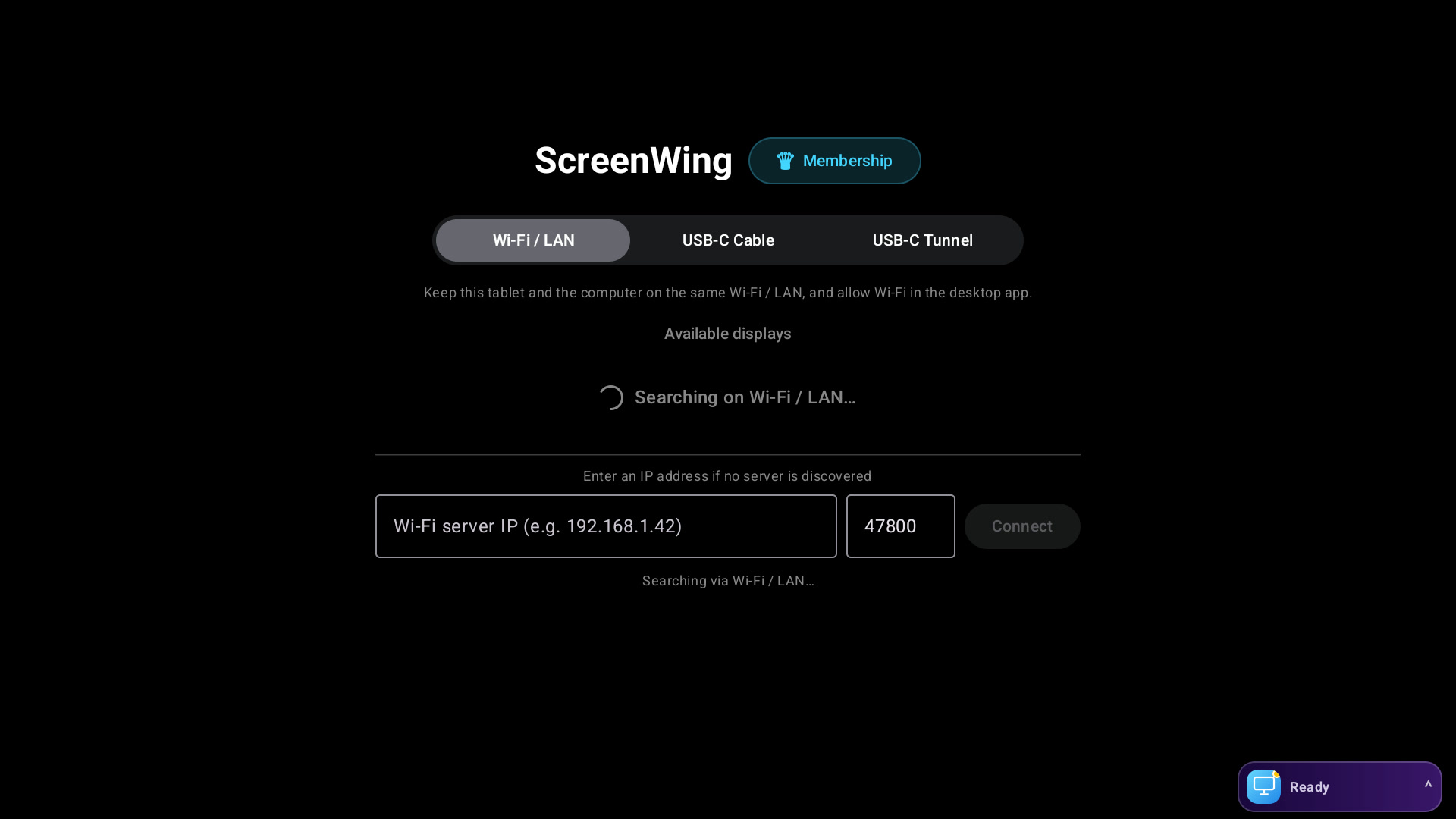 Android · 1.0.10
Select Wi-Fi / LAN, USB-C Cable or USB-C Tunnel. Automatic discovery lists nearby ScreenWing hosts; manual IP and port 47800 remain available when discovery is blocked.
 iPad · 1.0
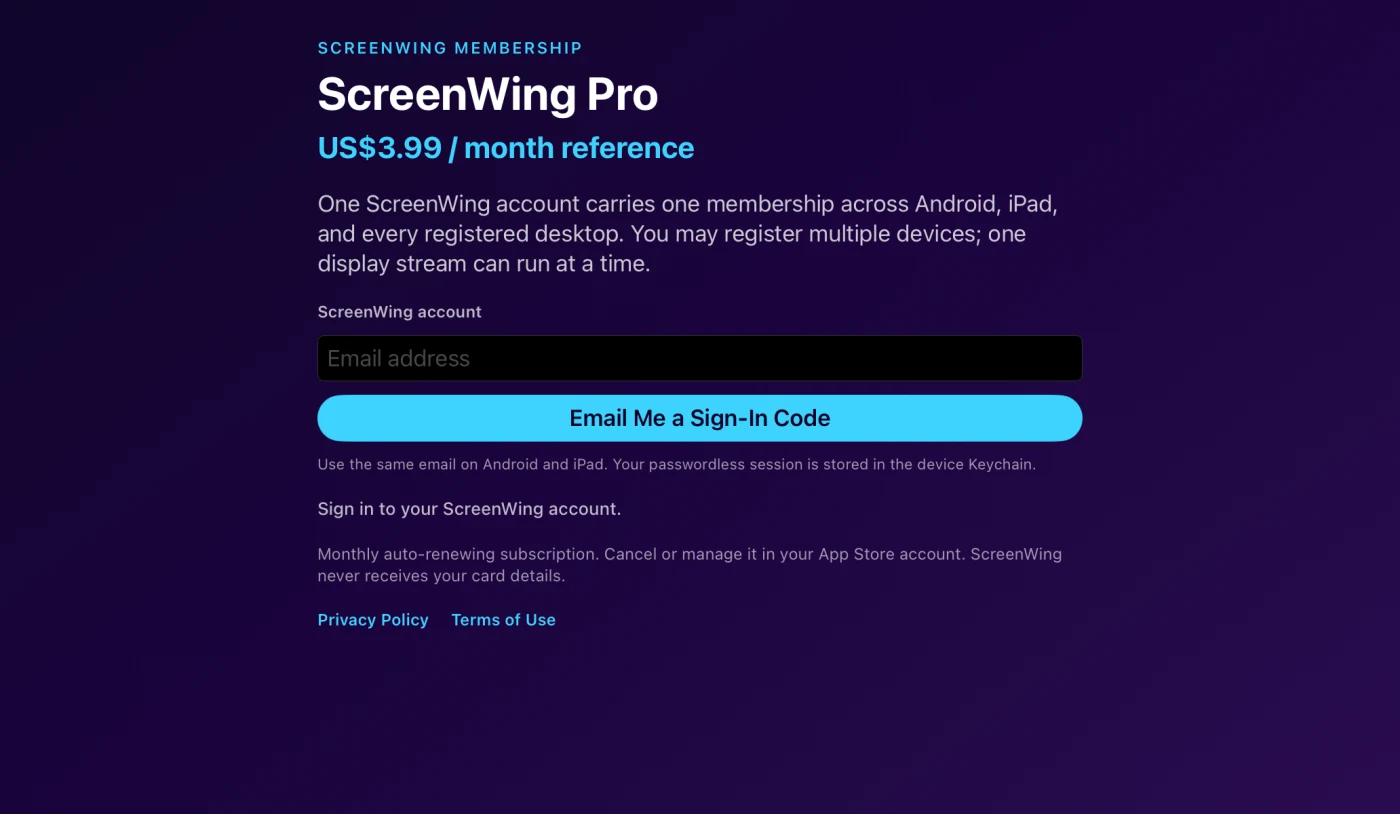
Open Membership, enter your ScreenWing email and request a sign-in code. After sign-in, link the short-lived desktop code, start the shared trial, or subscribe through the App Store.
Put palettes, references, previews, or a full timeline on your tablet so your main display stays dedicated to the work.
A consistent ScreenWing experience on every supported desktop, with companion apps built for touch.
macOSApple silicon
HostWindowsWindows 11 · x64
HostLinuxX11 + evdi
Host
ScreenWing sends display frames directly between your devices. Apple or Google handles subscription payment details while a minimal device-bound entitlement verifies access—never your screen contents.
Read our privacy approach →Direct device connectionYour display session stays on your local connection.
Restricted USB modeRecommended when privacy and consistency matter most.
Store-hosted purchaseApp Store billing keep payment credentials off ScreenWing.
No advertising trackersNo behavioral ad SDKs in the ScreenWing apps.
The tablet companions are free to install. Try the full connection for 30 minutes every day, up to 210 minutes per week and 900 minutes per month, then use one ScreenWing Pro account across up to 5 compatible devices.
Free download
US$3.99/month reference price · up to 5 devices
The website does not take payment. Sign in to one ScreenWing account, prepare the shared 30-minute daily trial, and subscribe in the tablet app only when the real connection feels right. The timer starts only after the desktop and tablet are connected.
Open the tray panel on macOS, Windows, or Linux and choose Membership, then Activate ScreenWing Pro. On macOS, right-click the menu-bar icon to open Membership directly.
Use the short-lived code shown by the desktop app. It looks like SW-XXXX-XXXX-XXXX-XXXX.
Open the free ScreenWing companion on iPad or Android, sign in to the same account, paste the desktop code, and prepare the shared 30-minute daily trial. Quota starts only when the desktop stream actually connects. Subscribe only when you are ready.
Approve the subscription in the App Store or Google Play. To move an existing membership to this desktop, enter the new code and tap Restore.
| Plan details | ||
|---|---|---|
| Price | ||
| Free trial | ||
| Account devices | ||
| Connected desktop hosts | ||
| Desktop systems | ||
| Display modes | ||
| Connection methods | ||
| Streaming quality | ||
| Ads or interruptions | ||
| Screen content sent to ScreenWing | ||
| Subscription and cancellation |
Start with a shared trial of 30 minutes per day, up to 210 minutes per week and 900 minutes per month, then choose the monthly auto-renewing subscription when you are ready. An active paid membership keeps access available and renews each month until canceled in the store. The App Store or Google Play confirmation sheet shows the binding local price, taxes, renewal date, and cancellation terms.
1 Windows currently supports Mirror directly; Extend requires a physical display or compatible dummy adapter until the production-signed virtual display driver is included.
Install the desktop host, sign in with one ScreenWing account, and prepare the shared 30-minute daily trial from your tablet. Unconnected time is not charged. When you are ready, one Pro membership keeps up to 5 compatible devices connected.
Release statusDownload links will appear here when the verified production builds are published.
View release access →The desktop host supports macOS, Windows, and Linux. The companion app supports compatible iPads and Android tablets or phones. Exact requirements and verification details are shown beside each download.
On macOS and Linux, ScreenWing extends your desktop onto the tablet. The current Windows package runs in mirror mode; dongle-free Extend needs a Microsoft production-signed virtual display driver, which is not yet included. For Extend on Windows today, use a physical second display or an inexpensive HDMI “dummy” display adapter. We never require disabling Secure Boot or enabling Windows test-signing.
Sign in with one ScreenWing account and try the real connection free for 30 minutes each day, up to 210 minutes per week and 900 minutes per month. The timer starts only while a desktop stream is actually connected; preparing the trial or waiting for a connection does not use quota. The quota is shared across the account, not reset per device, and the account can link up to 5 compatible devices. When you are ready, ScreenWing Pro is a monthly auto-renewing plan with a US$3.99/month reference price; an active membership keeps access available and renews each month until canceled in the store. Purchase takes place only through the App Store or Google Play; the store confirmation sheet shows the binding local amount, currency, taxes, renewal date, and cancellation terms.
No. Display frames travel directly between your computer and companion device. ScreenWing’s entitlement service verifies access but does not receive screen contents.
ScreenWing supports local connection modes provided by the host platform. Restricted USB networking is recommended. Optional Wi-Fi/LAN mode should only be used on a trusted private network.
Open Membership Account and sign in with the same ScreenWing email used in the tablet app, or open it directly from the ScreenWing desktop menu. Your private page shows plan status, renewal details, registered computers, tablets used, and recent activity. Charges, payment methods, receipts, cancellation, and refunds remain managed by the App Store or Google Play account used to purchase.
Install ScreenWing on the replacement computer, copy its new one-time code, then enter it in the signed-in iPad or Android Membership screen. An active account links the new computer without another purchase. Registered computers remain visible in Membership Account, while only one display stream can run at a time.

Try 30 minutes free every day, up to 210 minutes per week and 900 minutes per month, then unlock up to 5 compatible devices with one ScreenWing Pro account. The monthly plan has a US$3.99/month reference price; active members can continue using ScreenWing while the subscription renews, and can cancel in their store whenever they need to.