
A local display path
Display frames travel directly between the computer and tablet. ScreenWing's membership service does not receive screen contents.
ScreenWing turns an iPad or Android device into an extra display for Mac, Windows, or Linux. Choose it for a direct local stream, a simple monthly plan, and platform limits stated before you install.
ScreenWing is not the right alternative if you need plug-and-play Windows Extend today. Windows is Mirror-only unsigned beta; the iPad companion is live on the App Store.
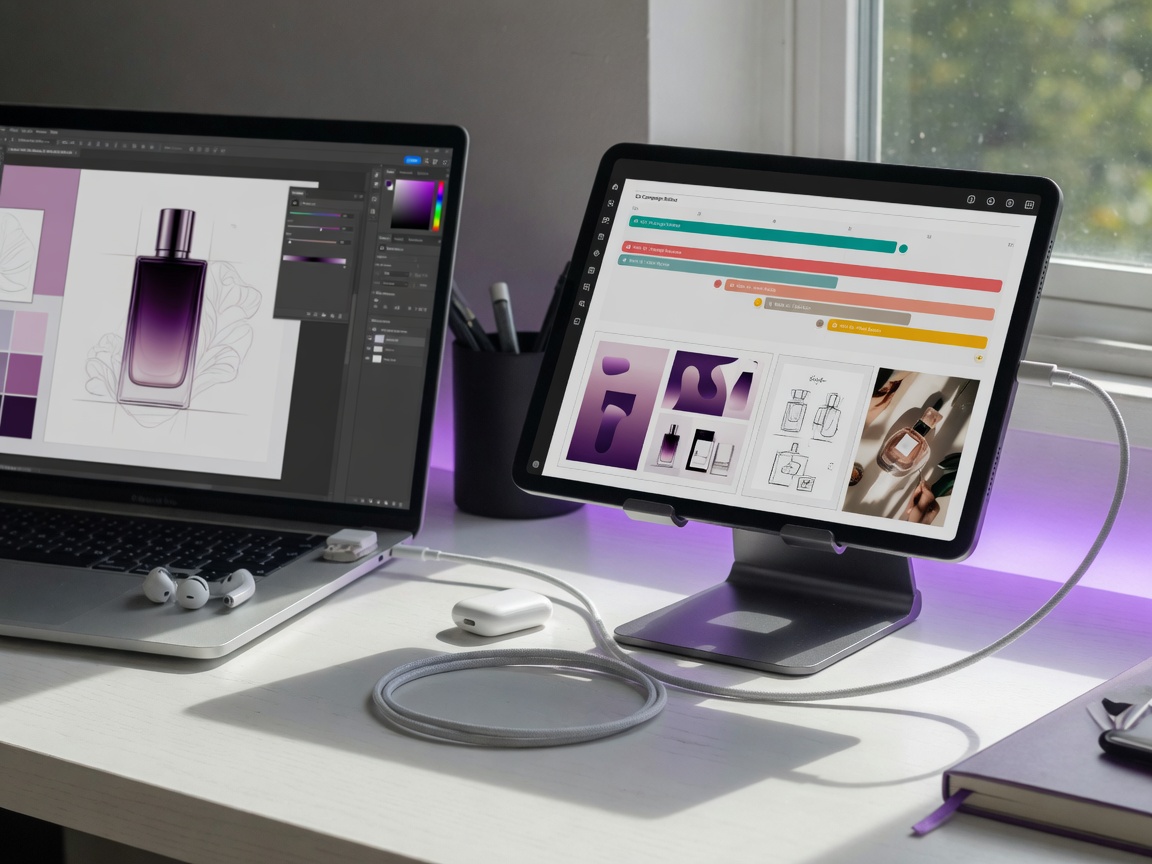
This page does not guess at another product's current price or feature list. It states what ScreenWing itself offers today.
Display frames travel directly between the computer and tablet. ScreenWing's membership service does not receive screen contents.
The reference price is US$3.99/month. The tablet store confirmation supplies the binding local amount and renewal terms.
Use a separate tablet workspace on supported macOS and Linux setups. Windows currently has a different, Mirror-only boundary.
ScreenWing is not yet a one-tap pairing flow. Here is the complete path before you decide to switch.
Select macOS, Windows, or Linux below. Only a verified runtime destination becomes a download.
Open Membership in ScreenWing Desktop and generate the one-time SW- code.
Open the iPadOS or Android companion and link the new computer.
Confirm the local price and renewal terms through App Store or Google Play billing.
You need Windows Extend now: ScreenWing's unsigned Windows 11 beta mirrors an existing display. A physical display or compatible dummy adapter is required for an extended target today.
You avoid beta software: Windows is unsigned beta; Linux is a verified beta for Ubuntu 24.04 x86_64 with Xorg and evdi.
You need multiple simultaneous streams: one ScreenWing membership can register computers, but only one display stream runs at a time.
Every installer and store button is resolved from verified public runtime data. Missing releases go to support status rather than a dead destination.
Release statusVerified installer and store destinations are loading.
View release access →Duet Display is referenced for comparison only. ScreenWing is not affiliated with or endorsed by Duet, Inc.