
Extend, not just mirror
On macOS, ScreenWing creates another workspace so you can move a window to the iPad instead of duplicating the Mac screen.
Move notes, previews, chat, or a timeline off your Mac display and onto your iPad. ScreenWing sends the display directly between your devices over a local connection.
The iPad companion is live on the App Store. Install it from the button below, then pair it with the free desktop host to finish setup.
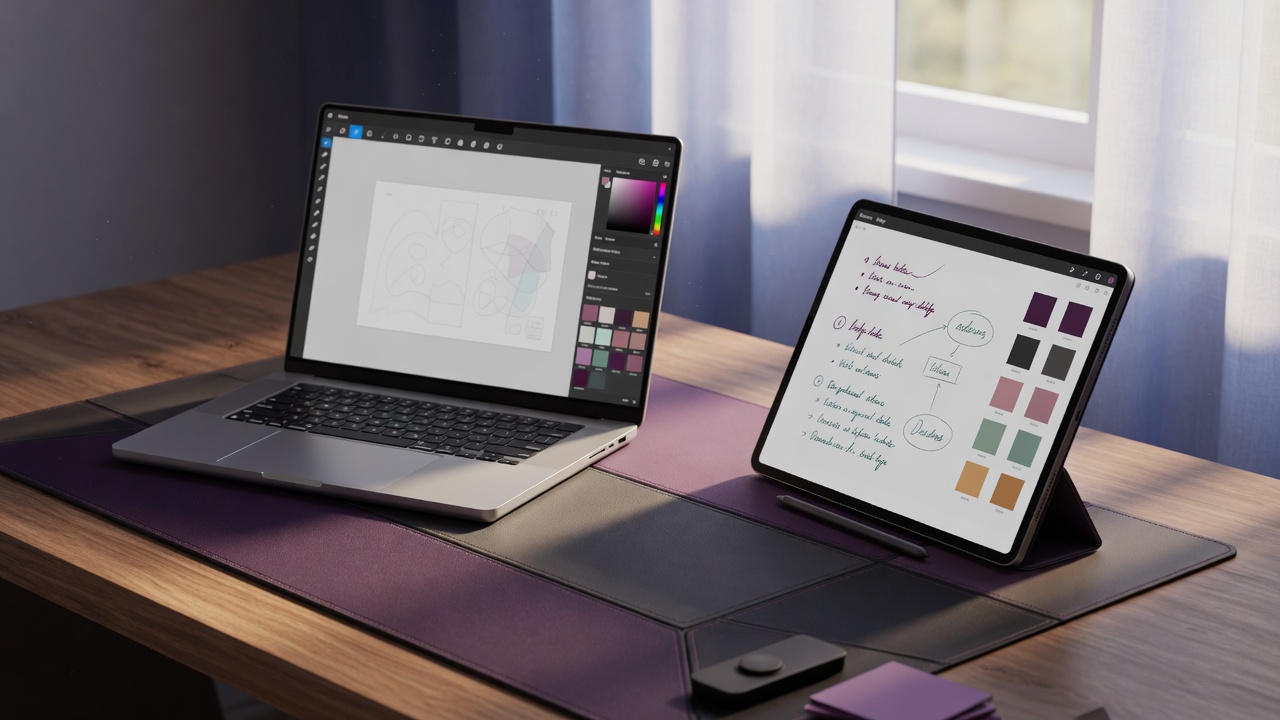
An iPad second monitor is most useful when it removes small, persistent windows from your primary display.
On macOS, ScreenWing creates another workspace so you can move a window to the iPad instead of duplicating the Mac screen.
The entitlement service checks membership, but it does not receive the contents of your display stream.
Use the same ScreenWing account across up to 5 compatible devices, then try the real connection for 30 free minutes each day. Waiting for a connection does not reduce the quota.
There are four steps today. After App Store approval, sign in to the same account, try 30 minutes free each day, and purchase only inside the companion when you are ready.
Open the signed and notarized installer below and follow the standard macOS installation steps.
Open Membership in ScreenWing Desktop and copy the code beginning with SW-.
After App Store approval, sign in to the same account, enter the desktop code, and test the real connection for 30 free minutes. The timer begins only when streaming starts.
Continue on up to 5 compatible devices. Review the binding local price, renewal date, taxes, and cancellation terms before subscribing.
iPad availability: the companion is published on the App Store. The iPad button links directly to the listing.
Free trial: the same account receives 30 free minutes each day, shared across up to 5 compatible devices. Only real connected streaming uses quota.
Mac installer: the download becomes direct only when a signed package is present in the verified runtime configuration.
Membership: ScreenWing Pro is a monthly auto-renewing plan. The App Store sheet, not this page, supplies the binding local amount.
Windows comparison: if you also need Windows, the current unsigned beta mirrors only; dongle-free Extend is not included yet.
These buttons receive their final destinations from public runtime configuration. No App Store or installer URL is hardcoded into this page.
Android is a separate companion option through Google Play. Windows and Linux availability is listed on the main downloads page.
Release statusVerified download destinations are loading from runtime configuration.
View release access →