Turn your tablet into
a second screen.
Give the Android tablet or phone you already own a focused place beside your compatible Mac, Windows PC, or Linux computer.
Start on your computer: Install a compatible ScreenWing Desktop host first. It creates the one-time membership code used in the Android app.
- macOS
- Windows
- Linux
- Android companion
Start on your computer. Connect from Android.
Your display data is not sent to the membership service; it moves directly between your devices over the supported connection. Prepare the shared 30-minute daily trial before you subscribe—the timer starts only after the desktop and tablet actually connect.
- 01
Install the desktop host
Download the compatible ScreenWing Desktop package for your Mac, Windows PC, or Linux computer.
Open desktop downloads → - 02
Start your free trial
Link the code from ScreenWing Desktop to your account on the Android Membership screen, then start the 30-minute daily trial. Your account can use up to 210 minutes per week and 900 minutes per month.
- 03
Choose your computer
Connect over trusted Wi-Fi/LAN or a supported USB network, then move a window onto your new display.
See connection health at a glance.
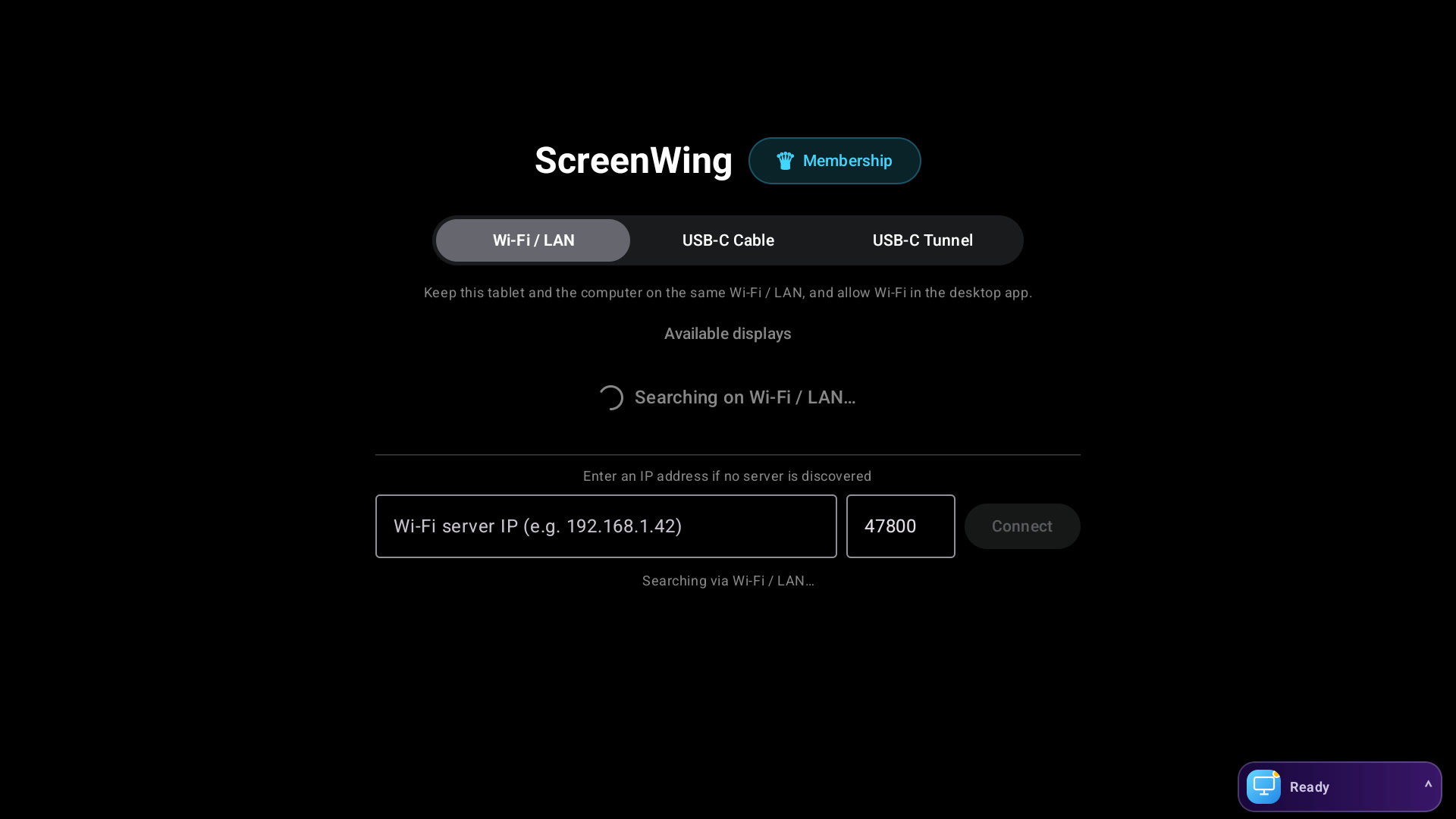
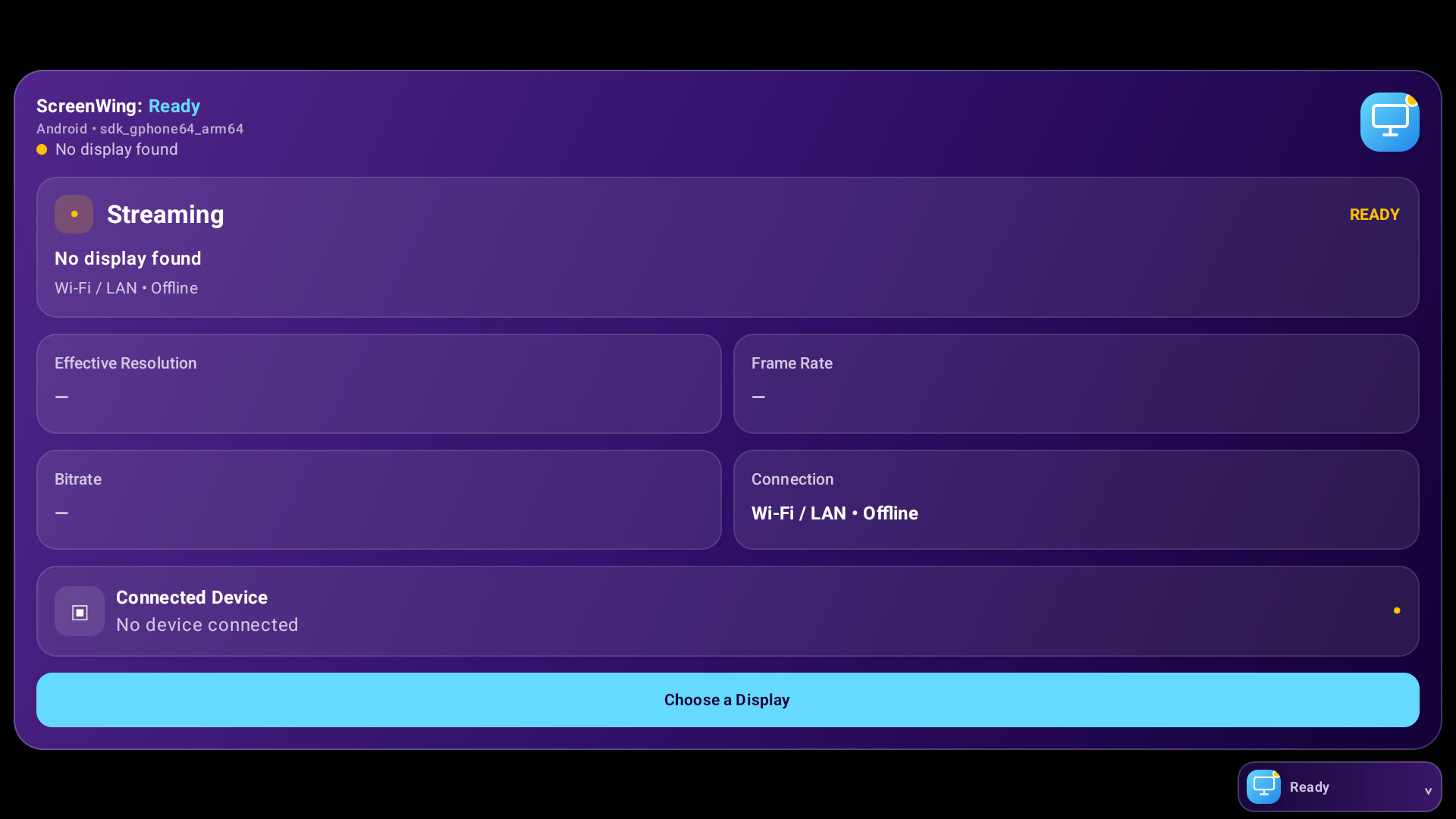
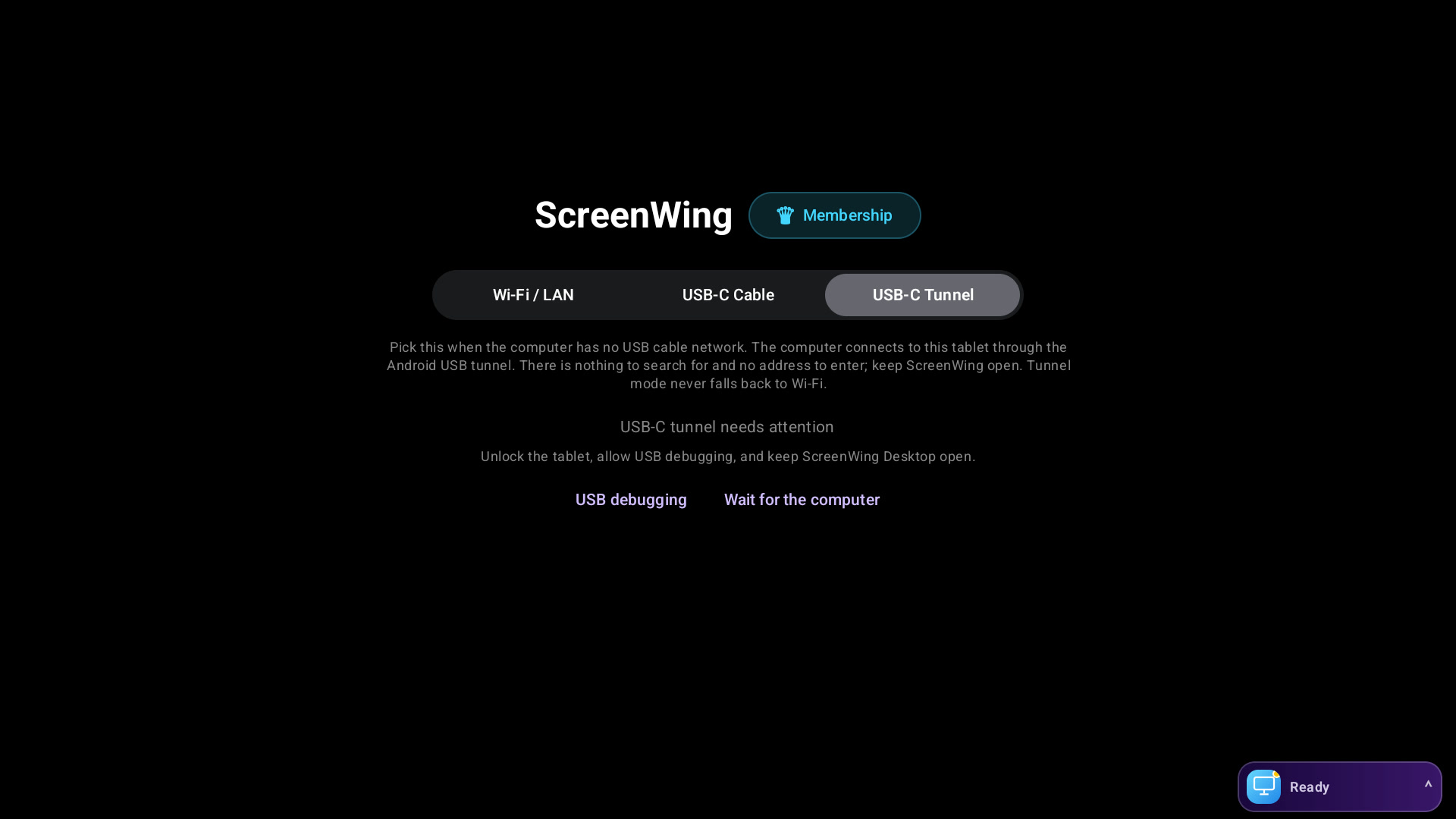
Computer discovery, connection choices, stream state, and membership controls live directly in the Android tablet interface.
Short, direct answers.
Is the Android app enough on its own?+
No. Install the compatible ScreenWing Desktop host on the computer that sends the display first.
Which computer platforms are supported?+
Compatible ScreenWing Desktop packages are available for macOS, Windows, and Linux. The downloads section shows current versions and requirements.
Is my screen uploaded to the cloud?+
No. Screen frames and input move directly between your devices over the trusted local or supported USB network; they are not routed through the membership service.
How do pricing and the free trial work?+
The app is free to download. Sign in with one ScreenWing account and try the real connection free for 30 minutes each day, up to 210 minutes per week and 900 minutes per month; the quota is shared across the account and up to 5 compatible devices can be linked. Preparing the trial or waiting for the desktop does not use quota—the timer starts only when the real display stream connects. When you are ready, commercial display sessions require an auto-renewing ScreenWing Pro subscription. An active membership keeps access available and renews monthly until canceled in Google Play. Google Play shows the binding local price and cancellation terms before purchase confirmation.

Make the screen you own useful again.
Try 30 minutes free every day, up to 210 minutes per week and 900 minutes per month, then continue on up to 5 compatible devices with one account.